

Project workspace
Keep the repository, issue tracker, product docs, API references, dashboards, and other project sites together.
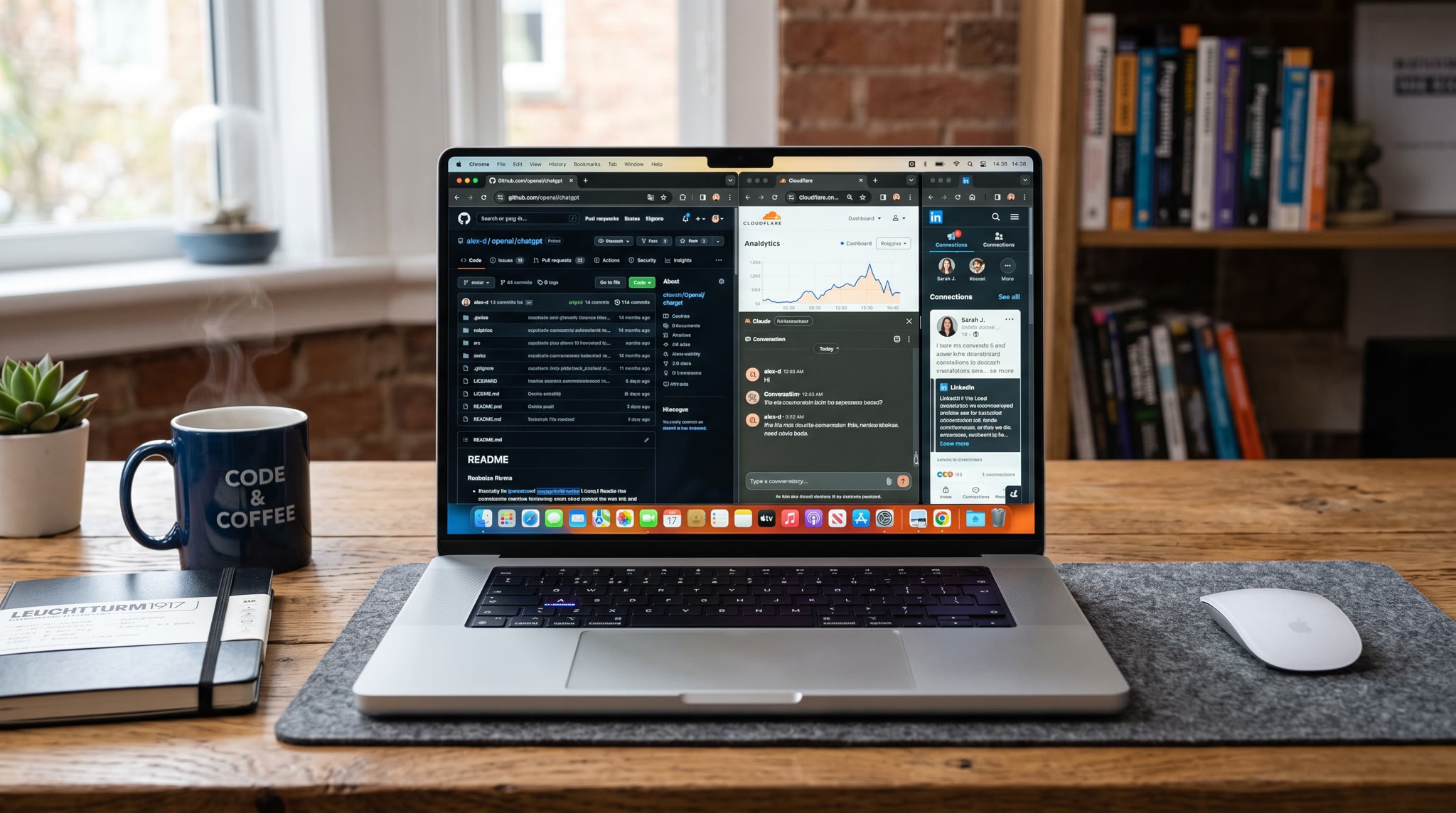
A developer Chrome workspace keeps the repository, API docs, issue tracker, staging, monitoring, analytics, and other project resources you use together. Save it as a preset and reopen that browser context when you switch back to the codebase.
The code changes every day. The browser tools around the project are often surprisingly stable.
Keep the repository, issue tracker, product docs, API references, dashboards, and other project sites together.
Save a separate setup for pull-request review, QA, release checks, or another routine with a repeatable browser toolset.
Keep references and diagnostic tools for an investigation together, then reopen the same context when the issue returns.
The preset handles the browser part of moving from one project to another.
Use the project or routine name so the preset maps to something you actually recognize in your work.
Keep docs, project management, monitoring, and references apart instead of mixing them into one browser row.
Start from the saved workspace instead of searching for the same tools every time you switch back.
A project preset might keep GitHub, API documentation, an issue tracker, staging, monitoring, and analytics together. Tenvilo can be useful before a timer ever starts: when you return to the codebase, it reopens the browser side of the project instead of making you reconstruct it.
Goals, website controls, Focus Guard, analytics, and Calendar can support that session when you want them, without turning project switching into a productivity ritual.
Save the browser workspace for a recurring task and launch it again when you need the same context.