

Open the set together
Keep the websites for a recurring task in one preset instead of reopening them from bookmarks or history one by one.
Tenvilo's tab launcher opens the saved tabs and tab groups for a project or recurring task in one Chrome workspace. Reopen multiple tabs together instead of rebuilding the setup from bookmarks, history, or memory.
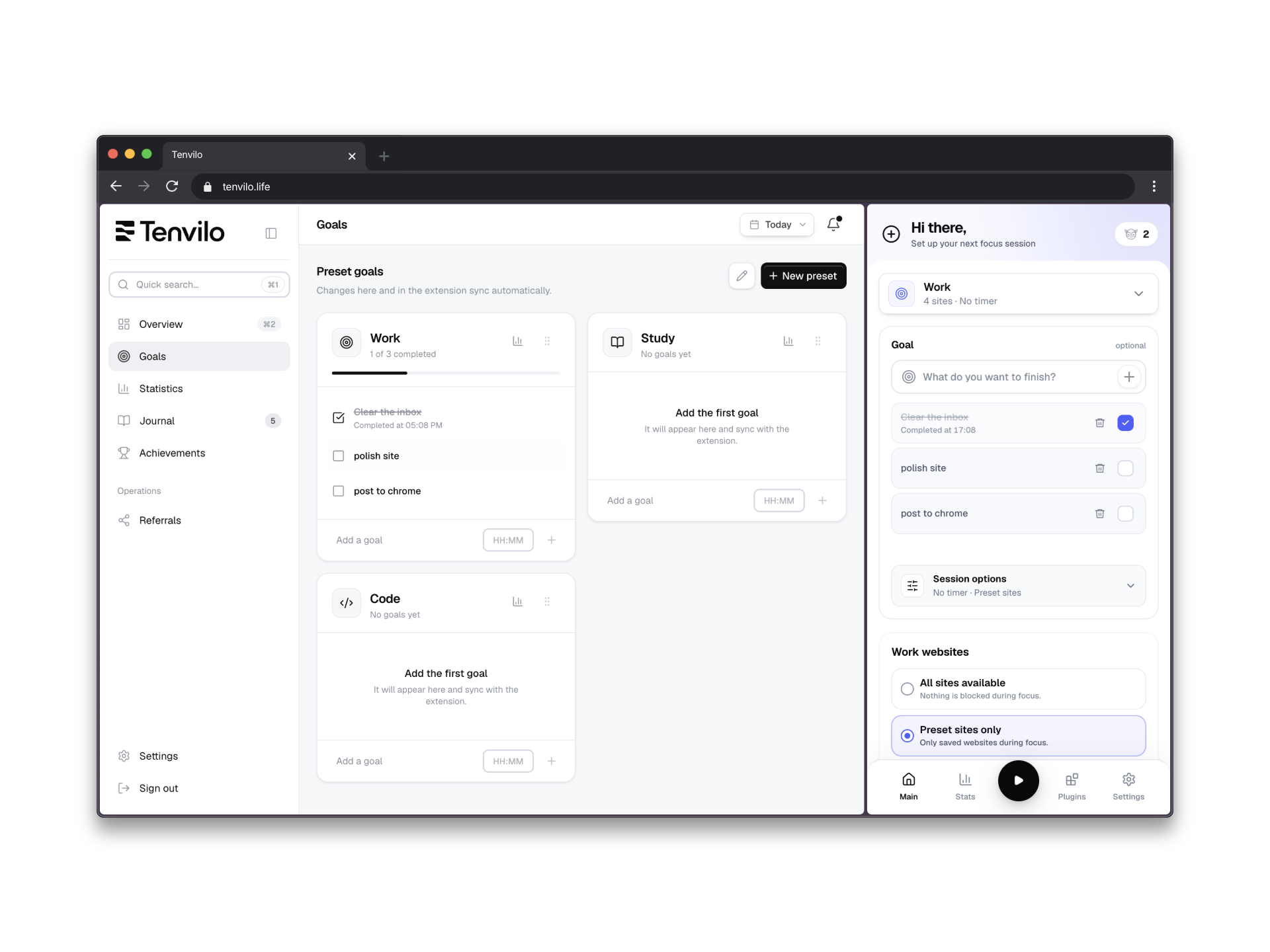
The point is not to open more pages. It is to open the right pages together when a specific piece of work starts.
Keep the websites for a recurring task in one preset instead of reopening them from bookmarks or history one by one.
Separate reference material, tools, communication, and output so the window comes back with useful structure.
The tab set can stay connected to a goal and optional session rules instead of becoming an isolated list of URLs.
A launcher earns its place when the same kind of browser setup keeps coming back.
Reopen the working set for a project you return to every day or every week.
Keep the sources and tools for a topic together without leaving them mixed into your everyday tabs.
Use a stable setup for writing, study, client work, planning, or any browser routine with a familiar starting point.
Chrome session restore brings back whatever happened to be open. A Tenvilo preset is deliberate: you decide which tabs belong to the task and save that setup because you expect to use it again.
If the task changes, update the preset. The goal is a cleaner start, not another place for tabs to accumulate forever.
Save the browser workspace for a recurring task and launch it again when you need the same context.