

Reference library
Save articles, docs, tools, and pages you may want later without treating them as one active workspace.
Chrome bookmarks are great for keeping URLs. Tenvilo presets are for recurring browser work where the links, tab structure, goal, and optional session rules need to come back together.
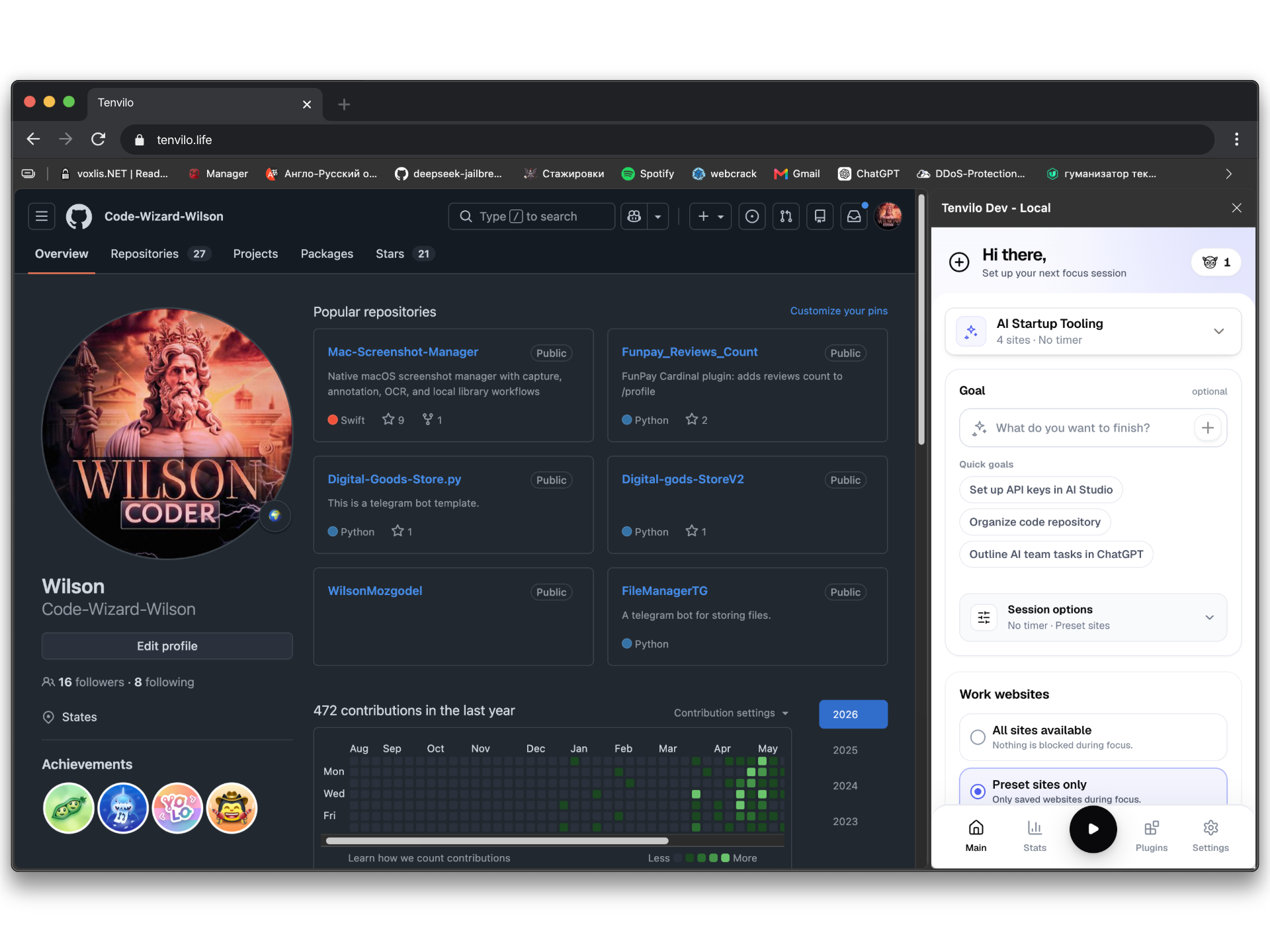
Bookmarks already do some things well. The useful question is where a reusable workflow adds something different.
If you only need a durable reference list, Chrome bookmarks are simpler and already built into the browser.
Save articles, docs, tools, and pages you may want later without treating them as one active workspace.
Group links by topic when a folder is all the organization you need.
If goals, tab-group restoration, session controls, and analytics do not matter, bookmarks may be the better fit.
Use a preset when the same browser task returns and you want the working context to return with it.
Relaunch the project toolset without hunting through folders and old browser windows.
Bring back the tab grouping instead of only the URLs.
Keep the workspace tied to a goal and optional website or session controls.
The two tools solve different layers of browser organization. Bookmarks are a long-term address book for the web. Presets are reusable working setups for tasks you plan to launch again.
A practical browser can use both: bookmarks for the broader reference library, and presets for the smaller set of pages and rules needed to start a specific piece of work.
Yes. Chrome can open every link in a bookmark folder. The difference is that a Tenvilo preset can also keep task-oriented workspace structure and session context.
No. Keep bookmarks where they already work well. Use presets for recurring workflows you want to relaunch as a working setup.
Save the browser workspace for a recurring task and launch it again when you need the same context.