

Tabs that belong together
Save the sites you use for a project, class, research topic, writing routine, or any task that comes back.
A Chrome workflow preset is a saved set of tabs, tab groups, goals, and optional session settings that Tenvilo can reopen together. Build it once for a recurring task, then launch the same browser context when the work returns.
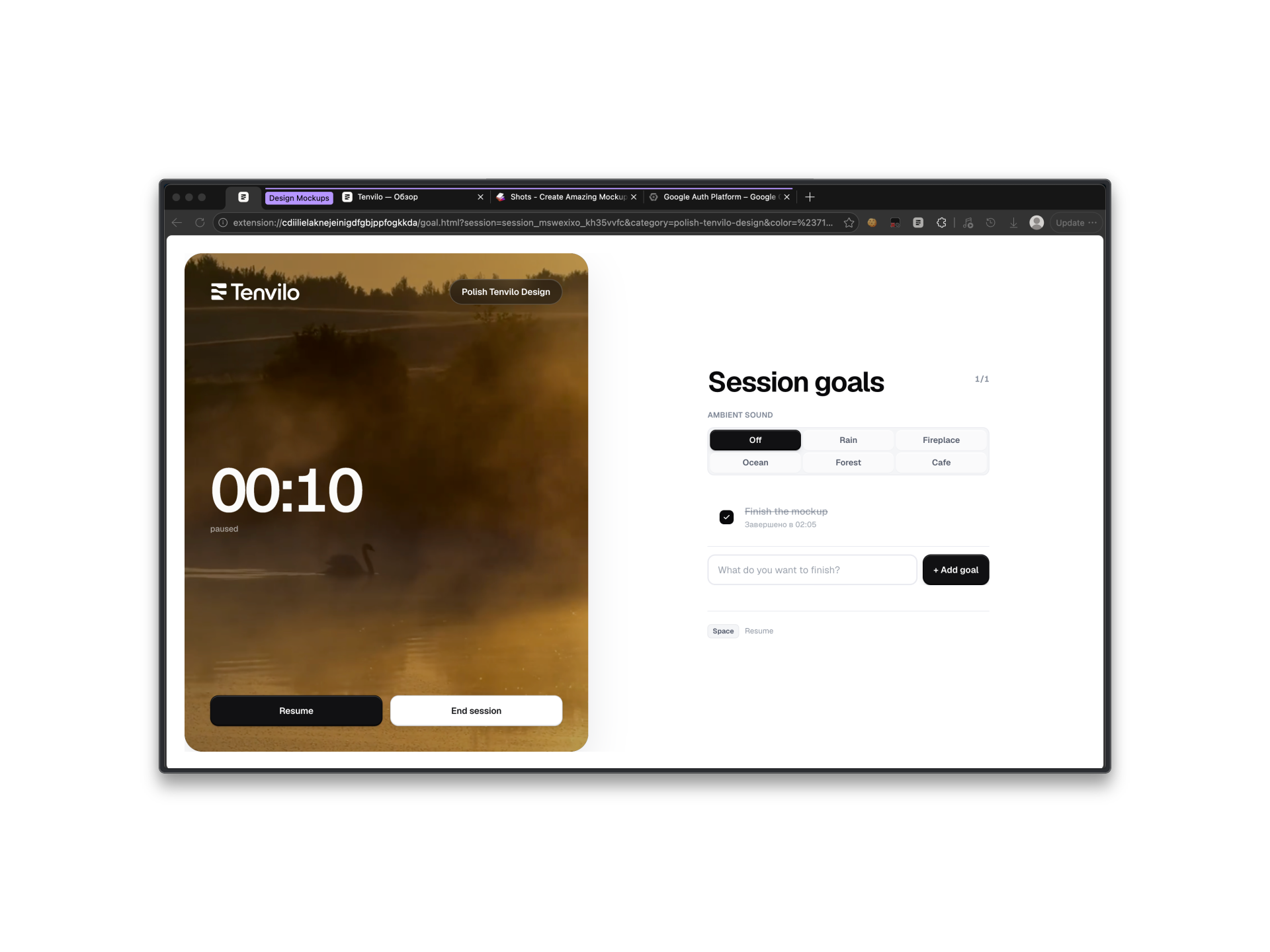
The useful part is the working context around the task, not just the list of URLs.
Save the sites you use for a project, class, research topic, writing routine, or any task that comes back.
Keep related tabs grouped so the next launch starts organized instead of opening as one long row.
Add a goal and the session settings you want for that workflow. Timers and website controls are optional.
Build the setup when you know what the task needs, then stop rebuilding it by hand.
Choose the tabs, arrange the groups, and keep only what belongs to this piece of work.
Name the preset after the project, client, course, codebase, or routine so it is easy to recognize later.
Tenvilo opens the saved workspace in a dedicated Chrome window so you can start from the right context.
Because the browser setup for one task quickly gets mixed with everything else. A reusable preset gives that task a deliberate starting point instead of turning your main window into permanent storage.
Focus sessions, website controls, analytics, optional AI assistance, and Google Calendar can support the workflow, but the preset remains the thing you come back to.
Yes. A preset can hold the set of sites you need for the task and launch them together.
Tenvilo supports saved or user-approved tab groups and can recreate that structure when the workspace launches.
No. Those controls are optional. You can use Tenvilo simply to save and relaunch the workspace.
Save the browser workspace for a recurring task and launch it again when you need the same context.